
Login and authorization
Before you can start working with the site, you need to log in using the username and password that were set during the installation of the system. This is done to ensure the security and separation of user powers.
- Type in your browser's address bar: yoursitename/admin/
- A page with an authorization form will open.
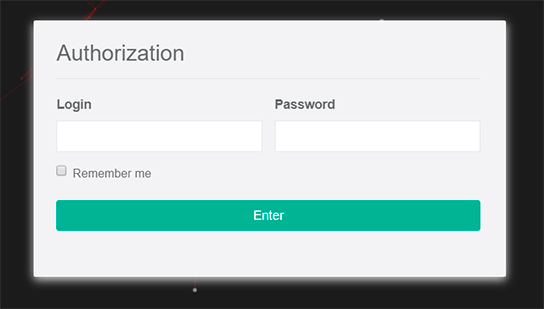
Enter your username and password in the appropriate fields.
The login and password are case-sensitive, so make sure that the CAPS LOCK key is not pressed before entering.
- Click enter.
The main page of the content management system opens and you will be taken to the events section.